

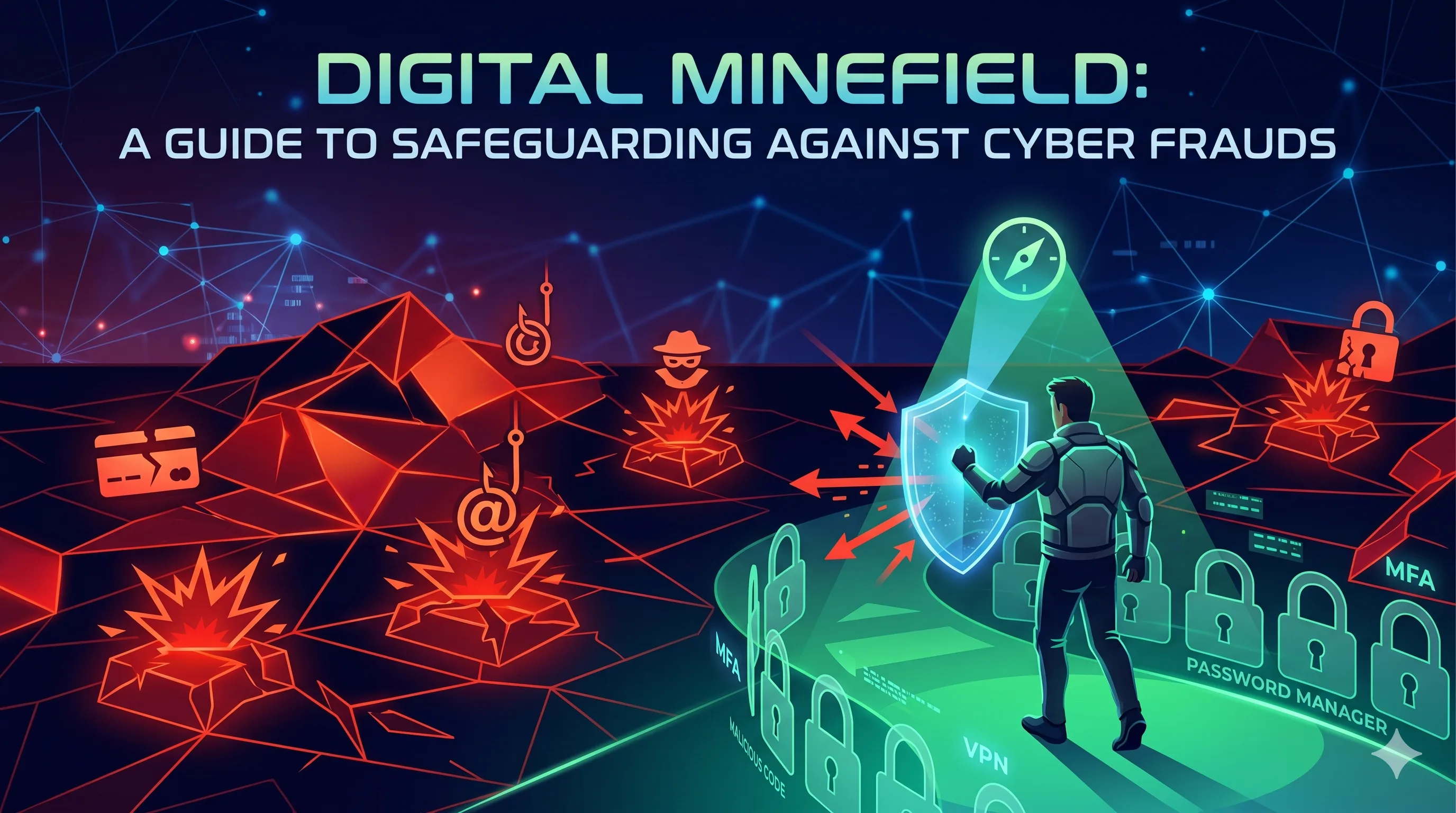
In our hyper-connected world, our digital footprint is just as significant as our physical one. We bank, shop, socialize, and work online. But this convenience comes with a shadow: the exponential rise of cyber fraud. Cybercriminals are no longer just lone hackers in dark basements; they are organized networks running highly sophisticated operations designed to steal your data, identity, and money.
The good news? You don't need to be a tech expert to protect yourself. Awareness and a few fundamental security habits are your strongest shields. Here is a comprehensive guide to understanding cyber frauds and how you can safeguard your digital life.
The Anatomy of Modern Cyber Fraud
To defend against an enemy, you first need to recognize them. Here are the most prevalent types of cyber frauds targeting individuals today:
1. Phishing, Smishing, and Vishing These are social engineering tactics where scammers impersonate legitimate organizations (like your bank, a delivery service, or a government agency) to trick you into revealing sensitive information.
- Phishing happens via email, often containing malicious links or attachments.
- Smishing happens via SMS text messages.
- Vishing involves phone calls where the scammer creates a sense of urgent panic to extract details.
2. Identity Theft Cybercriminals compile stolen personal information (often purchased on the dark web from massive corporate data breaches) to impersonate you. They might open new credit card accounts, file fraudulent tax returns, or access your medical benefits.
3. Online Shopping and Marketplace Scams Scammers set up fake e-commerce websites or pose as legitimate sellers on social media marketplaces. Once you pay for the "unbeatable deal," the item never arrives, and your credit card information is compromised.
4. Tech Support Scams You might get a sudden pop-up on your screen claiming your computer is infected with a virus, urging you to call a toll-free number. The "technician" on the other end will then request remote access to your device, allowing them to install malware or steal banking credentials.
The Ironclad Defense: How to Safeguard Yourself
Protecting yourself online is about building a layered defense. Implement these strategies to fortify your digital security:
1. Adopt a "Zero Trust" Mindset for Messages Never click on links or download attachments from unsolicited emails or texts. If you receive an urgent message from your bank or a service provider claiming your account is locked, do not click the provided link. Instead, independently open your browser, type in the official website address, and log in to check your status.
2. Fortify Your Passwords (and Use a Manager) "Password123" is an open invitation to hackers. Use long, complex passwords (passphrases are even better, e.g., Blue$Coffee!Guitar#89). Most importantly, never reuse passwords across multiple sites. If one site is breached, your other accounts remain safe. Use a reputable Password Manager to generate and store these complex passwords securely.
3. Enable Multi-Factor Authentication (MFA) MFA (or 2FA) is one of the most effective security measures available. It requires you to provide two or more verification factors to gain access to a resource (like a password plus a code sent to an authenticator app). Even if a hacker steals your password, they cannot access your account without that second factor.
4. Keep Your Software Updated Those annoying notifications asking you to update your operating system, browser, or apps? Don't ignore them. These updates frequently contain critical security patches that fix vulnerabilities hackers are actively trying to exploit. Set your devices to update automatically.
5. Beware of Public Wi-Fi Public Wi-Fi networks in cafes, airports, and hotels are notoriously insecure. Cybercriminals can easily intercept data sent over these networks. Avoid accessing your bank accounts or entering sensitive information on public Wi-Fi. If you must, use a reputable Virtual Private Network (VPN) to encrypt your connection.
6. Monitor Your Financial Footprint Regularly check your bank and credit card statements for any unauthorized transactions, no matter how small. Scammers often make small "test" charges before draining an account. Consider setting up transaction alerts on your mobile banking app.
What to Do If You Fall Victim
Even the most cautious people can be caught off guard. If you suspect you've been a victim of cyber fraud:
- Act Quickly: Immediately contact your bank or credit card provider to freeze your accounts and dispute fraudulent charges.
- Change Passwords: Update the passwords for any compromised accounts and any other accounts that used the same password.
- Report It: Report the fraud to local law enforcement and national cybercrime reporting centers.
- Run a Scan: Run a comprehensive antivirus and anti-malware scan on your devices to ensure no malicious software was installed.
Final Thoughts
Cyber security is not a one-time setup; it is an ongoing habit. By staying informed about the latest scams and practicing good digital hygiene, you can significantly reduce your risk of falling victim to cyber fraud. Stay vigilant, stay skeptical, and keep your digital doors locked.


Comments (0)
Log in or register to leave a comment.
No comments yet. Be the first to comment!